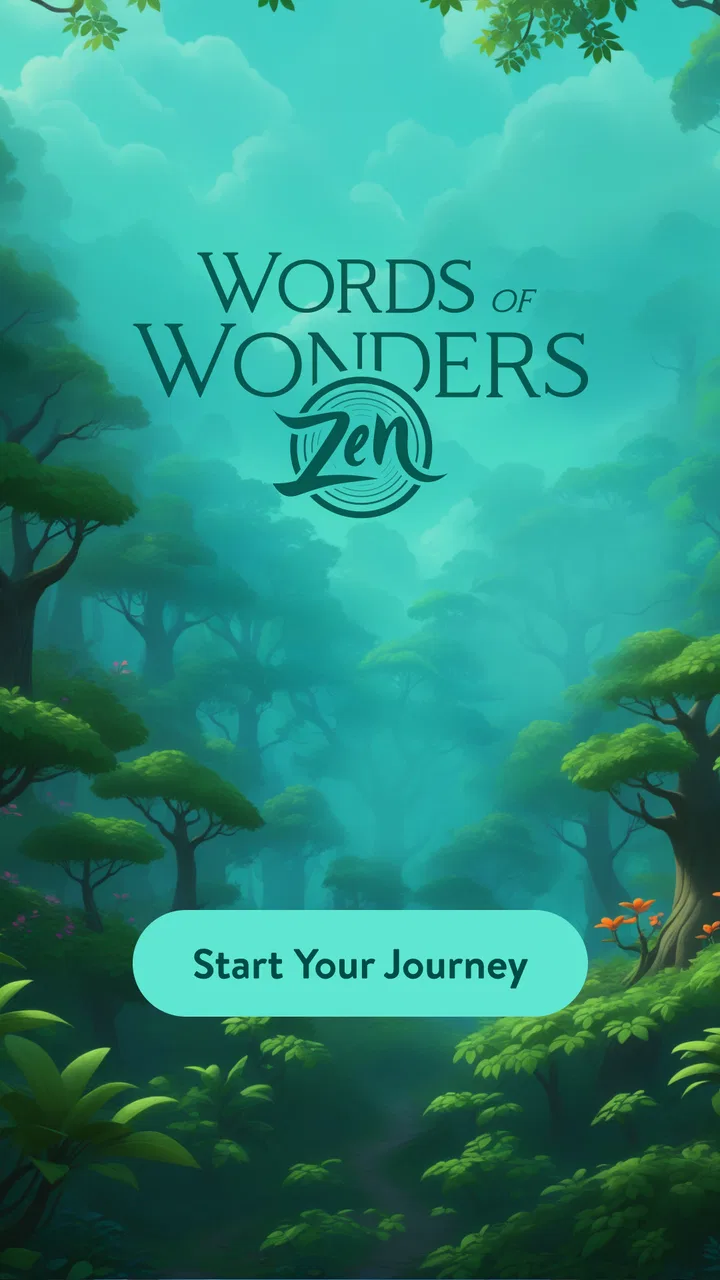
Words of Wonders: Zen
- 4.9
- Rating
- 1.00M
- Installs
- Free
- Price

 Analysis by App-foxy
I found Words of Wonders: Zen easiest to appreciate in a shared household setting. It is the kind of word game someone can open for a few quiet minutes while waiting for dinner, then leave for another person without needing a complicated explanation. The basic idea is simple: connect available letters to build words, solve the puzzle, and move through peaceful-looking destinations. That calm presentation makes it feel less demanding than many competitive word games, but the puzzles still give your attention something definite to do.
Fugo Games presents it as a free word game for Android and iOS, with an Everyone age rating. It has passed a million installs and holds a 4.9 average from about 103 thousand ratings, which suggests that the combination of short puzzles and relaxed travel atmosphere has connected with a broad audience. I would not treat those figures as a guarantee that every player will enjoy it, though. The experience is most appealing if you like discovering words at your own pace; people looking for a deep multiplayer contest or a full dictionary-training tool may find it too gentle.
How it works when several people use the same device
The shared-device appeal comes from the fact that a puzzle can be understood almost immediately. One person can start a round, identify a few words, and hand the phone to someone else when they get stuck. That makes it suitable for a quiet family moment or a short break at home. I can imagine one player spotting the obvious short words while another notices a longer combination, with the device moving back and forth naturally.
You May Also Like

 Blood Strike: 2.5 Anniversary
Blood Strike’s Loadouts Turn Every Drop Into a Tactical Gamble
A close look at Blood Strike’s custom loadouts: how fast access to signature weapons reshapes its battle royale rhythm, rewards preparation, and narrows the gap between fights.

 Pandora - Music & Podcasts
Pandora’s Music Is Easy to Start, but Harder to Recover
Pandora’s strength is its low-effort path from a seed to a station. Its weak spot is how much confidence it asks you to place in connection, setup, and quiet recovery.

 8 Ball Pool
 Is Built on Rivalries, Rematches, and Routine
A close look at the rivalries, rematches, shared routines, and unanswered safety questions that turn a quick pool match into a persistent mobile community.

 Samsung Music
’s Quiet Strength Is Playing What You Already Own
Its reach comes less from spectacle than from dependable access to a personal library. That simplicity is both the app’s strongest retention engine and its ceiling.

 AccuWeather: Weather Radar
AccuWeather Review: A Quick, Clear Forecast for Everyday Decisions
For everyday plans, the best forecast is the one you can understand quickly. AccuWeather makes rain timing, radar, and local conditions easy to act on, with a few trade-offs.

 Hill Climb Racing
Why Hill Climb Racing Still Turns Crashes Into One More Run
A tiny car, a bumpy hill and one more upgrade: Hill Climb Racing keeps resurfacing because its simple chaos makes every near-miss feel personal.
More From Our News Desk
View All News


That style of play is different from a traditional board game. There is no need to prepare pieces, explain a long rulebook, or reserve a large table. It also differs from a live word battle, where one person’s speed can make another feel left behind. Here, cooperation can happen informally, even if the game itself is being played by one person at a time. The screen becomes a shared puzzle rather than a scoreboard.
There is a useful trade-off in that simplicity. A shared round can become a pleasant conversation starter, but it does not automatically create a formal team mode. If your household wants clearly separated turns, named players, or a visible record of who solved what, I would choose a board game or a dedicated multiplayer word title instead. This game works better when the goal is solving together casually, not managing a structured competition.
A realistic evening use case
Imagine a parent finishing a short session while a child watches, then asking the child to find a word from the remaining letters. The adult can guide without turning the moment into a lesson: start with familiar combinations, look for endings, and test a word when it seems plausible. Later, another adult can take over and continue the puzzle. That makes the game flexible for households where people have different schedules.
I also like the possibility of using it as a low-pressure alternative to scrolling. The serene locations give the game a softer mood than an aggressively timed challenge, so it fits a coffee break or a wind-down period. Still, I would not assume that every puzzle is equally relaxing. When several possible words seem close, the hunt can become surprisingly absorbing, and a player who dislikes being stuck may feel more tension than the presentation suggests.
One practical tip is to use the game as a conversation rather than passing the phone silently. Ask another person to suggest a word before revealing anything or spending a hint. This keeps the puzzle interesting for both people and reduces the chance that the more experienced player solves everything instantly. It also turns the letter grid into a small collaborative activity instead of a one-person screen habit.
Setting expectations before it becomes a household habit
The game is free to download, but it includes optional in-app purchases ranging from $0.59 to $11.99 per item. That matters more on a shared device than it does for a single player, because different people may use the same phone or tablet and have different ideas about spending. Before handing it around, I would make a simple household rule: solve normally first, and ask before using anything that could lead to a purchase.
I am deliberately careful here because the most useful boundary is not a complicated technical setup. It is a clear agreement about who is allowed to make decisions on the device. A child may see a tempting option as part of the game, while an adult sees it as a real transaction. Keeping that distinction visible prevents an otherwise peaceful word session from becoming an argument about an unexpected charge.
For a shared tablet, I would also decide whether everyone is comfortable continuing the same progress or whether each person should play separately when the operating system allows that kind of separation. The game itself should not be treated as proof that one person’s progress belongs to another. If the device has multiple users, use those existing boundaries where appropriate; if it does not, agree on whose session is being continued before starting.
This is one of the less obvious points about a casual puzzle game: a simple interface can hide complicated ownership questions. A person may remember a location or puzzle as “theirs,” while another person sees the same screen and assumes it is open for experimentation. In my experience, a quick spoken rule works better than trying to reconstruct who changed what afterward.
Why progress needs a little coordination
Words of Wonders: Zen is built around a flow of puzzles and destinations, so a household should decide whether the shared device is being used cooperatively or individually. Cooperative play is easy to understand: everyone contributes suggestions and the current puzzle belongs to the group. Individual play requires more care, because one person may solve clues that another wanted to discover independently.
If two people enjoy different levels of challenge, I would avoid taking over a puzzle without asking. The person holding the device can describe the remaining letters or invite suggestions, while the other person decides whether they want the answer. That small pause protects the discovery aspect, which is a major part of why word games remain enjoyable after the basic rules become familiar.
Another useful habit is to stop at a natural point rather than handing over the device in the middle of a difficult search. A short note such as “we are still looking for one longer word” is enough to preserve context. This is especially helpful when several members of a household return to the same device at different times. It avoids repeating the same guesses and makes the shared session feel intentional.
The game can also work well for mixed preferences. One person may enjoy the visual journey and relaxed pace, while another cares mainly about finding unusual words. Let each player contribute in a different way instead of expecting everyone to engage with the same part of the experience. The destination theme can keep a younger player interested, while the letter construction gives an older player a more analytical role.
Age, trust, and the right kind of supervision
With an Everyone content rating, the game is positioned for a broad audience. That makes it easier to consider for a household device, but an age label is not the same thing as a complete family-use plan. I would still explain the purchase boundary, decide whether the device is shared, and make sure younger players know when to ask for help. Those steps are sensible for any free game that offers optional purchases.
For children who are beginning to enjoy spelling, the puzzles may encourage curiosity about how letters combine. I would use it as a playful supplement rather than a replacement for reading, writing, or a structured vocabulary activity. The game rewards finding acceptable words, but that does not automatically mean it explains definitions, pronunciation, or why one word is accepted and another is not. A parent who wants teaching detail may prefer a dedicated educational word app.
For older relatives, the straightforward controls and short-puzzle format may be more approachable than a fast action game. The serene setting can also make the experience feel less noisy. However, anyone with difficulty reading small text, distinguishing letter shapes, or using a touch screen should try it directly on the intended device. I would not assume that a calm visual style solves every accessibility concern.
Trust also matters between adults. If one person uses the game to relax, another should not treat every unfinished puzzle as an invitation to solve it. That sounds minor, but the pleasure of a word game often comes from the moment of recognition. Preserving that moment is part of good shared-device etiquette.
What the version and platform details mean in practice
The current version is 2.3.1, and the game requires Android 8.0 or later. That makes checking the household device worthwhile before planning a shared installation, especially if the phone or tablet is older. A game can be a good fit in every other respect and still be unavailable on a device that no longer meets the operating-system requirement.
The release date was May 24, 2024, so I see it as a relatively recent entry rather than a long-established classic. That is not automatically good or bad. It simply means I would judge it by the experience available now, while remembering that puzzle games can change over time through updates. If your household depends on one particular feature or workflow, test the current build on the actual device instead of relying only on screenshots or someone else’s description.
Because it is made by Fugo Games and distributed as a free title, it sits in a familiar mobile-game space: easy to begin, supported by optional spending, and designed for repeat visits. I find that model acceptable when the player can enjoy the central word solving without feeling pushed to pay. If your family prefers apps with a single upfront price and no purchase decisions at all, a paid word puzzle would be a cleaner match.
Where it stands beside other word-game choices
Compared with a daily word puzzle, this game offers a more continuous path through multiple puzzles and places rather than centering the day around one shared challenge. That is useful for someone who wants a longer session or likes the feeling of progressing through a journey. The trade-off is that a daily puzzle often creates a simple household ritual: everyone discusses the same result once a day. This game is more flexible, but less naturally tied to one universal moment.
Compared with a crossword, the letter-connection format is quicker to enter and usually requires less knowledge of clues, themes, and grid conventions. I would recommend it to a casual player who wants word discovery without learning crossword shorthand. A crossword remains the better option for someone who enjoys layered clues, broad general knowledge, and a more deliberate solving process.
Compared with a competitive word game, the Zen presentation is a better fit for a relaxed shared screen. There is less pressure to type faster than another person, and a household can cooperate informally. The downside is that players who thrive on rankings, head-to-head matches, or social rivalry may find the experience underpowered. This is a personal puzzle journey first, not a substitute for a lively word duel.
Compared with vocabulary-learning software, it is more entertaining and less instructional. I would use it to wake up my attention, practice spotting patterns, or fill a short pause. I would not choose it as the main tool for learning a new language or measuring vocabulary growth. That distinction is important: recognizing a possible word is enjoyable, but it is not the same as understanding and remembering the word deeply.
Three ways to get more from the puzzles
My first tip is to treat the shortest words as anchors rather than dismissing them as obvious. Finding a few small combinations can reveal how the available letters are arranged and make longer possibilities easier to notice. In a shared session, this gives less experienced players a meaningful contribution instead of leaving them to wait for the hardest answer.
Second, when you are stuck, change the person looking at the screen rather than immediately reaching for assistance. A fresh pair of eyes often notices a familiar ending or a different letter order. This is especially effective on a shared device because cooperation becomes a practical solving tool. The trade-off is that the puzzle may last longer, but that extra time can be the most enjoyable part for a group.
Third, separate “I know this word” from “the game may accept this word.” Word games have their own answer boundaries, and a rejected guess does not necessarily mean the player’s vocabulary is wrong. I try not to turn every result into an argument about dictionaries. If the household treats the puzzle as pattern recognition and entertainment, an unexpected answer becomes less frustrating.
These habits also show where the game is not ideal. Someone who wants detailed explanations for every accepted or rejected word may feel that the solving loop leaves questions unanswered. Someone who dislikes repeating familiar word patterns may want a more varied puzzle format. And someone who wants private, clearly separated progress should avoid casually mixing several players on one account or device unless the platform’s own user separation handles that need.
My household verdict
I would recommend Words of Wonders: Zen to a household looking for a gentle word game that can be enjoyed alone or discussed around one screen. Its strongest quality is the balance between immediate play and a calm sense of movement through different places. I can pick it up without preparing, and I can imagine sharing a puzzle without turning the room into a competition.
The free price makes trying it straightforward, while the optional purchases mean adults should establish a spending rule before younger players use the device. The Everyone rating supports a broad household audience, but sensible supervision still matters because age suitability and purchase responsibility are separate questions. The Android requirement is also worth checking before installation on an older device.
I would skip it if your main goal is a serious vocabulary course, a sophisticated crossword experience, or a real-time multiplayer contest. Those alternatives serve those needs more directly. I would also hesitate to make it a shared household game if nobody wants to coordinate turns, protect unfinished puzzles, or agree on whose progress is being used.
For everyone else, the appeal is clear: short word challenges, a peaceful atmosphere, and enough flexibility for a quiet solo session or an informal group solve. Fugo Games has made a game that is easy to pass around, provided the people using it agree on the boundaries first. My recommendation is to treat it as a cooperative screen activity rather than a formal family system; that is where its simplicity feels most useful and its limitations are least troublesome.
After spending time with it, I see the best use as a small daily pause: one person starts, another notices a missed word, and the puzzle ends with everyone feeling involved. It does not need to replace a favorite crossword, a learning app, or a competitive word match. It earns its place beside them by offering something quieter and easier to share. For a free word game with an Everyone rating and a strong player response, that is a convincing reason to give it a try.
FAQs for Words of Wonders: Zen
01What is Words of Wonders: Zen?
Words of Wonders: Zen is a relaxing word puzzle game designed to enhance your vocabulary and provide a calming gaming experience. Players connect letters to form words and solve challenging puzzles across various scenic locations. It's available on both Android and iOS devices, offering a blend of brain exercise and serenity.
02Is Words of Wonders: Zen free to download and play?
Yes, Words of Wonders: Zen is free to download and play. However, it offers in-app purchases for players who wish to enhance their gaming experience with additional features. These may include hints, ad removals, and other premium content to help progress through levels more easily.
03What are the main features of Words of Wonders: Zen?
The game boasts a variety of features, including a vast collection of puzzles set against beautiful backdrops, daily challenges to keep players engaged, and a progressive difficulty level system. It also offers offline play, so you can enjoy solving puzzles on the go without an internet connection.
04Can Words of Wonders: Zen be played offline?
Yes, Words of Wonders: Zen can be played offline, making it a great option for on-the-go entertainment. While an internet connection is required for downloading and updating the app, the core gameplay is accessible without being connected, allowing uninterrupted play anytime, anywhere.
05How does Words of Wonders: Zen enhance vocabulary?
Words of Wonders: Zen enhances vocabulary by challenging players to form words from scrambled letters. As players progress, they encounter new words and improve their language skills. The game also provides definitions for unfamiliar words, making it a fun and educational experience.
Pros
- Engaging puzzles enhance vocabulary skills.
- Beautiful graphics create a calming experience.
- Daily challenges keep gameplay fresh.
- Offline mode available for uninterrupted play.
- Intuitive interface suitable for all ages.
Cons
- In-app purchases can become costly over time.
- Repetitive levels may reduce long-term interest.
- Limited multiplayer features for social play.
- Ads can be intrusive without purchase.
- Requires frequent updates for new content.

Words of Wonders: Zen
Gallery